Introduction
In today’s search world, many people turn to Google for quick answers. Optimize content for Google AI Overviews to help your pages show up in those helpful AI summaries at the top of results. These overviews give fast overviews from trusted sources, and your content can be part of them if it meets certain standards.
Google wants content that truly helps people. When you focus on clear, useful information, your work has a better chance to appear in these AI features. This guide shares easy, proven steps drawn from reliable sources to make your content stand out.
What Are Google AI Overviews?
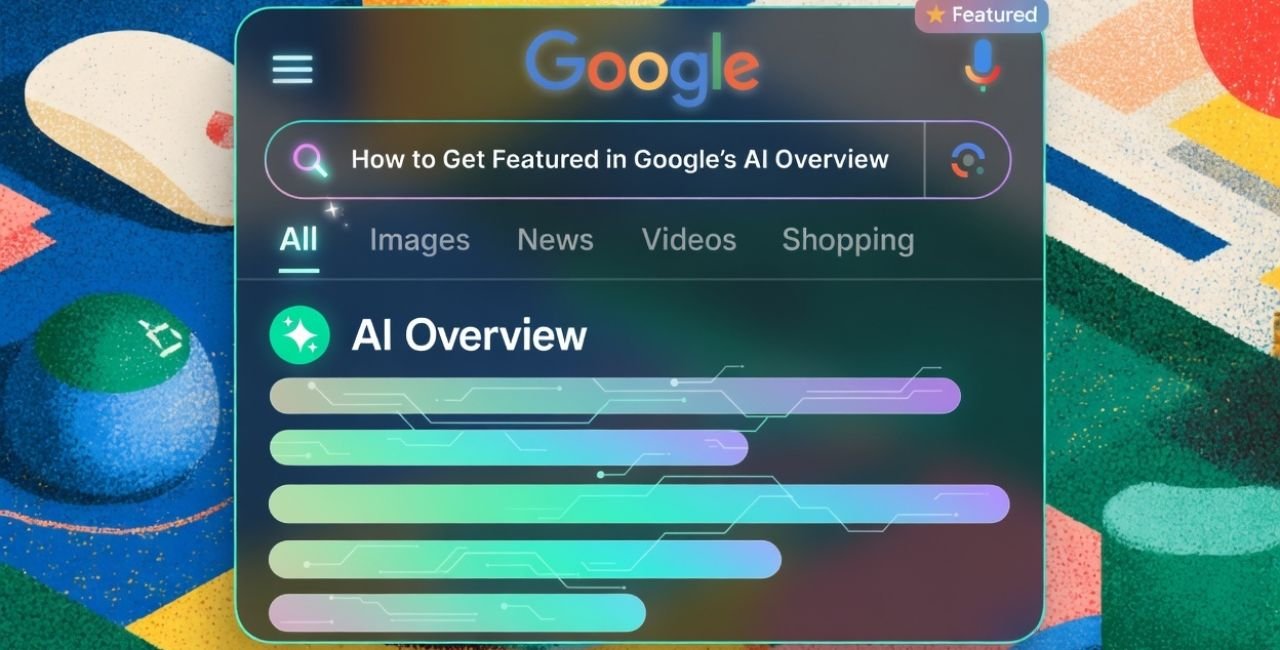
Google AI Overviews are short summaries created by AI that appear at the top of search results for many questions. They pull key facts from different websites and link back to the original pages. This helps users get answers without clicking right away, but it also gives sites a chance to gain trust and visits from interested readers.
These overviews work best for detailed or specific questions. They show when the query needs more than a simple fact, like explanations or steps.
Why Optimize Content for Google AI Overviews Matters
Getting featured in an AI overview builds your site’s reputation. It shows Google sees your page as reliable. Users often explore the linked sources after reading the summary, leading to more engaged visitors who stay longer on your site.
Studies show that pages in these overviews can see good traffic quality, even if some searches end without clicks. The key is to create content that adds real value.
Core Principles from Google
Google shares clear advice: focus on people-first content. Make material that is unique, helpful, and satisfying for readers.
- Create non-commodity content – avoid basic repeats of common facts.
- Add unique insights or real experiences.
- Keep content fresh and up-to-date.
As noted in Google’s own guidance, the same rules for regular search apply here. Follow Google Search Essentials to set a strong base.
For more details, check Google’s post on succeeding in AI search.
Focus on High-Quality, People-First Content
The foundation is simple: write for humans first. Optimize content for Google AI Overviews by making it helpful and original.
Show expertise through real knowledge. Include examples from experience, data, or clear explanations. Avoid thin or copied material.
Tips to improve quality:
- Answer the main question directly.
- Add depth with examples or steps.
- Use simple words for easy reading.
Use Clear Structure and Formatting
AI systems like content that is easy to read and pull from. Use headings, lists, and short paragraphs.
Best practices for structure:
- Start with the answer in the first part.
- Use H2 and H3 headings for sections.
- Add numbered or bulleted lists for steps or tips.
- Include tables for comparisons.
- End sections with key takeaways.
This helps AI find and use your information quickly. Many experts note that structured formats increase chances of being picked.
Lead with Direct Answers
Place the main answer early. This matches how people ask questions in natural ways.
For example, if the query is about a process, start with a short summary or list of steps. Then add more details below.
This approach works well for question-based searches.
Keep Content Fresh and Updated
Freshness counts a lot. Update pages with new facts, dates, or improvements every few months for important topics.
Show update dates clearly, like “Updated March 2026.” Google favors recent, relevant material.
Plan regular reviews to keep your best pages current.
Add Structured Data (Schema Markup)
Structured data helps Google understand your content better. Use it for articles, FAQs, how-tos, or other types.
Common types to use:
- Article schema for blog posts.
- FAQPage for questions and answers.
- HowTo for step-by-step guides.
Test with Google’s tools to make sure it matches your page. This can make your content easier for AI to pull accurately.
Learn more from expert guides like this one on AI Overviews optimization.
Target Topics and Long-Tail Queries
Think in topics, not just single words. Cover a subject deeply with related ideas.
Optimize content for Google AI Overviews by targeting longer, specific questions. These often trigger overviews.
Build content clusters: one main page linking to supporting pages on sub-topics. This shows depth and helps Google connect ideas.
Build Authority with Links and Citations
Strong links signal trust. Get backlinks from good sites and link internally to related content.
Cite reliable sources in your writing. Link to studies or official info with clear references.
This boosts credibility for both readers and AI systems.
Include Multimedia and Visuals
Add high-quality images, videos, or infographics where they fit. Describe them with good alt text.
For visual searches, rich media helps. Optimize for mobile so everything loads fast.
Monitor and Adapt Your Approach
Track how your pages perform. Use tools to see if they appear in overviews.
Adjust based on what works. Stay updated as search changes.
For additional strategies, see this helpful resource on how to optimize content for AI search.
Common Mistakes to Avoid
- Don’t stuff keywords – write naturally.
- Avoid outdated info.
- Don’t block crawlers in robots.txt.
- Skip thin content that lacks value.
Focus on real help instead.
Actionable Steps Checklist
Here is a simple list to follow:
- Research user questions in your topic.
- Write direct, clear answers first.
- Structure with headings and lists.
- Add schema markup and test it.
- Update pages regularly.
- Build links and cite sources.
- Add visuals when useful.
- Check performance and improve.
Conclusion
To optimize content for Google AI Overviews, focus on creating helpful, original, and well-structured material that truly answers people’s needs. Use clear formatting, stay fresh, add structured data, and build trust through quality and links. These steps, based on proven advice, increase your chances of appearing in AI summaries while keeping readers happy.
By following this approach, your content can reach more people in meaningful ways. What part of optimizing content for Google AI Overviews will you try first on your site?
References:
- Google Search Central Blog: Succeeding in AI Search (2025) – Official guidance on content for AI experiences.
- Finch: Google AI Overviews Optimization SEO – Strategies for detailed content and structured data.
- Directive Consulting: How to Optimize Content for AI Search – Tips on freshness, structure, and entity use.
Leave a Reply